Mobile apps have become an essential part of how people shop, work, connect, and learn. Whether you’re a startup founder with a big idea or a developer building your next project, one thing remains constant — mobile app design determines whether users love your app or abandon it after a few minutes.
In the ultra-competitive Australian market, especially in cities like Melbourne and Sydney, users expect smooth navigation, clean visuals, and intuitive UI/UX design. A beautifully built backend won’t matter if the front end confuses users. This is why mastering mobile app design is no longer optional — it’s a critical step toward building a successful digital product.
This guide simplifies everything you need to know about designing modern mobile apps. We will break down the strategies, tools, best practices, and design frameworks that developers and startups can use to create beautiful and functional mobile experiences. Whether you’re evaluating app design options, working with an app design company, preparing an app mockup, or planning the UX of your next product, this guide covers it all.
Understanding Mobile App Design: The Foundation
Before jumping into wireframes and prototyping, it’s important to understand what mobile app design actually means.
At its core, mobile app design involves two key elements:
1. UI (User Interface)
This focuses on the visual elements — colors, typography, illustrations, icons, and layout.
Great app UI design ensures every screen looks clean, modern, and visually appealing.
2. UX (User Experience)
This focuses on how users move through the app. UX answers questions like:
- How many steps does it take to complete a task?
- Is navigation intuitive?
- Does the app feel effortless to use?
Combine UI and UX design, and you’ll have the foundation of a strong digital product.
Startups often make the mistake of prioritizing features over user flow. But success begins with thoughtful mobile app design, not rushing into development.
Why Mobile App Design Matters (More Than You Think)
Design isn’t “just design.” It’s strategy, psychology, and business advantage.
Here’s why great design is everything:
- First impressions happen in 0.5 seconds. Users instantly judge your app’s quality.
- Good design reduces development costs. Fixing design mistakes later becomes expensive.
- Better UI/UX increases conversions and retention. Happy users come back — unhappy ones leave forever.
- Startups gain credibility. Polished design builds trust and professionalism.
If you’re serious about creating a mobile app, good design is your best investment.
The Complete Mobile App Design Process for Startups
Startups often ask, “Where do we even begin?”
Here’s a simple breakdown of a professional design flow.
1. Market & User Research
Before designing anything, understand your users.
- Who will use your app?
- What are their needs, habits, and frustrations?
- What problem does your app solve?
User interviews, surveys, and competitor analysis are crucial.
This ensures your mobile app design matches real-world expectations.
2. Creating User Personas and Journey Maps
Personas help designers understand target users.
Journey maps show how users interact with the app from start to finish.
This step influences everything — navigation, layout, and feature placement.
3. Designing the Information Architecture
Information Architecture (IA) is the blueprint of your app.
It organizes screens and content into a logical structure.
The goal: Fewer clicks, less confusion.
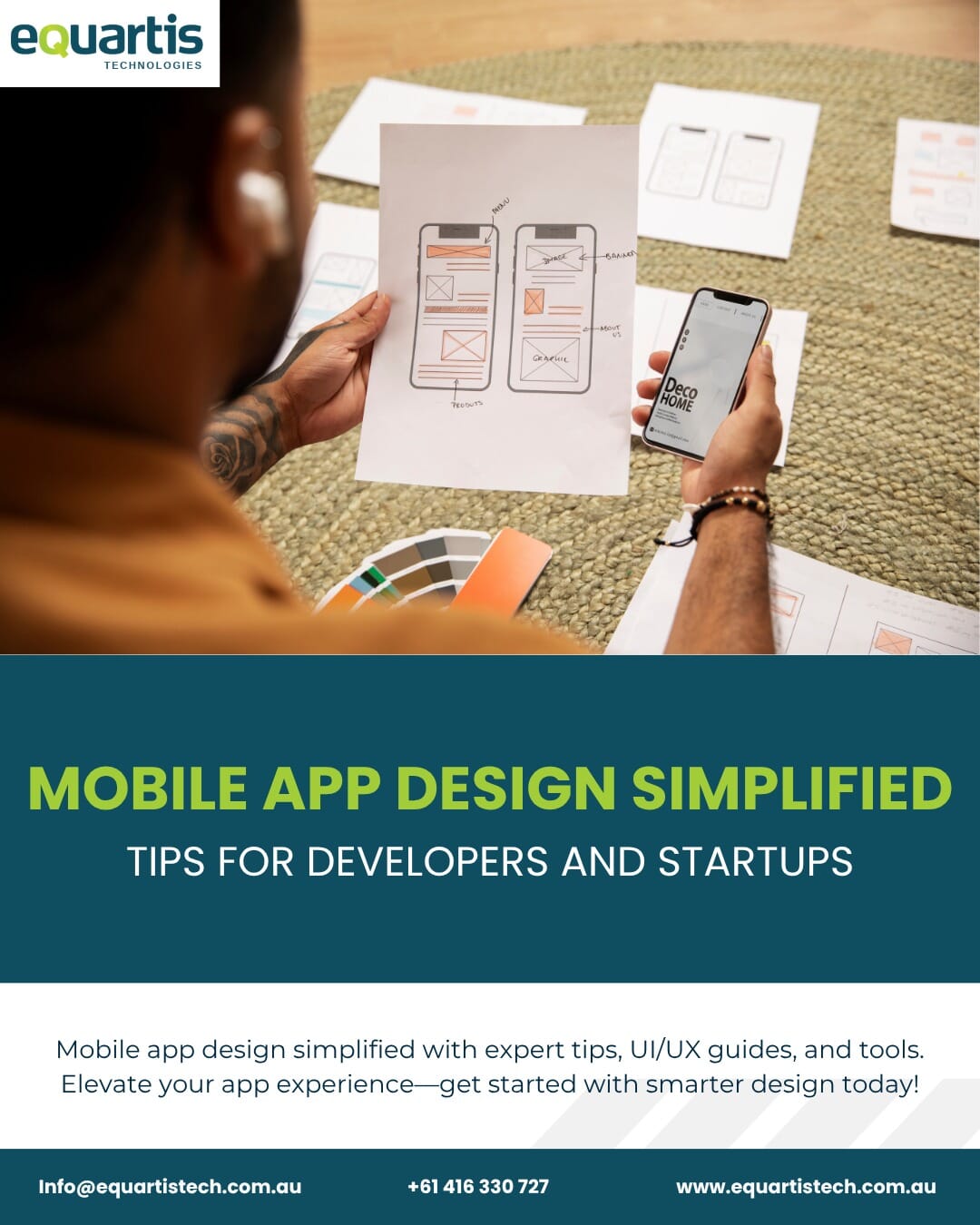
4. Wireframes and Low-Fidelity Layouts
A wireframe is a simple sketch of screens showing layout, not visual design.
It helps answer:
- What happens when a button is tapped?
- How does a user move from screen A to B?
- Are we minimizing unnecessary steps?
Wireframes make it easier to design the complete app flow before adding the UI.
5. High-Fidelity UI Design
Once wireframes are approved, designers build full-color UI screens using tools like:
- Figma
- Sketch
- Adobe XD
This is where your branding, fonts, colors, and visual identity come to life.
If you work with an app design company, they will refine these screens to be pixel-perfect.
6. App Mockup & Prototypes
An app mockup shows what the final app will look like.
A prototype lets you click and interact with it — almost like a real app.
Prototypes help startups secure investments, show developers exact layouts, and run usability tests.
Startups can also integrate 3D modeling app visuals into prototypes if they need immersive product displays or AR experiences.
7. Usability Testing
Testing is where real users tell you what works — and what doesn’t.
You observe how they use the app and record issues such as:
- Unclear buttons
- Confusing navigation
- Lengthy steps
- Missing features
Once feedback is collected, designers refine the UI and UX.
Principles of Effective Mobile App Design
Great design doesn’t happen by accident. It follows principles loved by top designers worldwide.
1. Simplicity Wins
Minimalist design makes apps feel modern, clean, and easy to use.
Avoid clutter. Prioritize white space. Use only the necessary elements.
2. Consistency Is Key
Consistent buttons, colors, and fonts help users feel comfortable.
Apps like Instagram and Airbnb follow strict design standards — and users appreciate the familiarity.
3. Thumb-Friendly Layouts
Most users hold phones in one hand.
Design clickable elements close to thumb-reach zones.
4. Accessibility Matters
Make your app accessible to everyone:
- Use large fonts
- Ensure color contrast
- Add voice feedback options
- Support screen readers
Accessibility isn’t optional — it’s good design.
5. Smooth Navigation
Navigation should be intuitive, predictable, and simple.
Bottom tabs, clear menus, and search bars guide users comfortably.
6. Focus on Performance
Design affects performance — avoid heavy graphics and animations that slow down the app.
7. Emotional Design
Use visual storytelling, micro-interactions, and animations to create delight.
Emotional design builds connections that keep users coming back.
Top Tools for Mobile App Design
The best designers and startups use powerful tools to build world-class apps.
1. Figma
The most popular tool for UI/UX. Great for collaboration and prototyping.
2. Adobe XD
Excellent for animations, UX flows, and interactive prototypes.
3. Sketch
A favourite for Mac users who want clean UI design.
4. InVision
Useful for clickable prototypes and user testing.
5. Blender / WebAR / Unity (for 3D models)
Perfect for apps that need 3D modeling app visuals.
Design Tips for Startups: Make Your App Stand Out
If you’re a startup founder, design can be overwhelming.
Here are simplified tips to make your app shine:
1. Start With a Clear Purpose
Don’t try to build everything at once. Focus on the main problem first.
2. Invest in Branding Early
Great branding boosts app credibility immediately.
3. Build an MVP
Don’t aim for perfection. Build a Minimum Viable Product first, refine later.
4. Collaborate with Experts
An experienced app design company speeds up the process and prevents mistakes.
5. Test with Real Users
Friends and employees are not your target audience — real users are.
6. Don’t Copy Competitors
Learn from them, but create your own identity.
7. Think Future-Proof
Make your design flexible for future updates or feature expansions.
Human Psychology in Mobile App Design
Great apps understand human behaviour.
Here’s how psychology enhances mobile app design:
1. Visual Hierarchy
Users naturally notice big, bold, high-contrast elements first.
2. Gestalt Principles
Humans group similar items together.
Use spacing, shapes, and alignment wisely.
3. Colours Trigger Emotions
- Blue = trust
- Green = growth
- Red = urgency
Choose colours with intention.
4. The Zeigarnik Effect
People remember unfinished tasks.
Use this tactic to encourage onboarding completion.
Designing for Android vs iOS
Both platforms have different design philosophies.
Android Design (Material Design)
- Uses floating action buttons
- Focuses on shadows and layers
- Supports wider device sizes
Perfect for android software development workflows.
iOS Design (Human Interface Guidelines)
- Clean, flat, minimal
- Uses smooth transitions
- Prioritizes gesture-based navigation
Startups creating a mobile app should follow each platform’s guidelines closely.
How to Choose the Right App Design Company
If your team doesn’t include an experienced designer, hiring an app design company can save time and reduce errors.
Look for companies that:
- Share real case studies
- Understand UI/UX deeply
- Communicate clearly
- Offer mockups before development
- Test designs before launch
An expert team also prevents costly redesigns later.
Common Mobile App Design Mistakes to Avoid
Even experienced teams fall into these traps:
- Overcomplicated layouts
- Too many colours or fonts
- Slow animations
- Poor onboarding experience
- Ignoring accessibility
- Not testing on multiple screen sizes
- Lack of design consistency
Avoiding these mistakes ensures your final design feels polished and professional.
Mobile App Design Trends in 2025
Mobile design evolves every year.
Here are trends dominating today’s industry:
- 3D graphics & motion design
- Micro-interactions
- Dark mode optimization
- Personalized user dashboards
- Gesture-based interfaces
- Voice-enabled navigation
- AI-driven design recommendations
- AR overlays for richer user experience
Startups embracing these trends stay ahead of competitors.
How Developers and Startups Can Work Together Smoothly
Miscommunication kills design projects.
Here’s how teams can avoid that:
- Define goals early
- Use Figma shared boards
- Keep feedback structured
- Test weekly, not monthly
- Start small and scale intentionally
Developers + designers = winning combination.
Conclusion
In today’s digital landscape, great apps don’t win because they have the most features — they win because they offer the best experience. Mastering mobile app design is the key to building products that users love, understand, and rely on every day.
From UI/UX design principles to prototyping, testing, and collaborating with the right app design company, every step shapes your final product. Whether you’re designing app screens, refining app UI design, creating an app mockup, or building immersive visuals with a 3D modeling app, design becomes the bridge between your idea and a real, successful digital product.
As startups and developers embrace smarter workflows and user-centric strategies, mobile app design continues to evolve — offering endless opportunities to create meaningful, intuitive, and innovative apps.